Project management constrains resources (e.g. personnel, equipment, registers, etc.) to a certain project and company for a specified period. The project completion date is adjustable.
File management contrains resources to a company over one or more projects.
The library section is the overarching section for Occupational Health and Safety Management and is not constrained to a project, file or company.
Here are a sample of some of the management system tools:
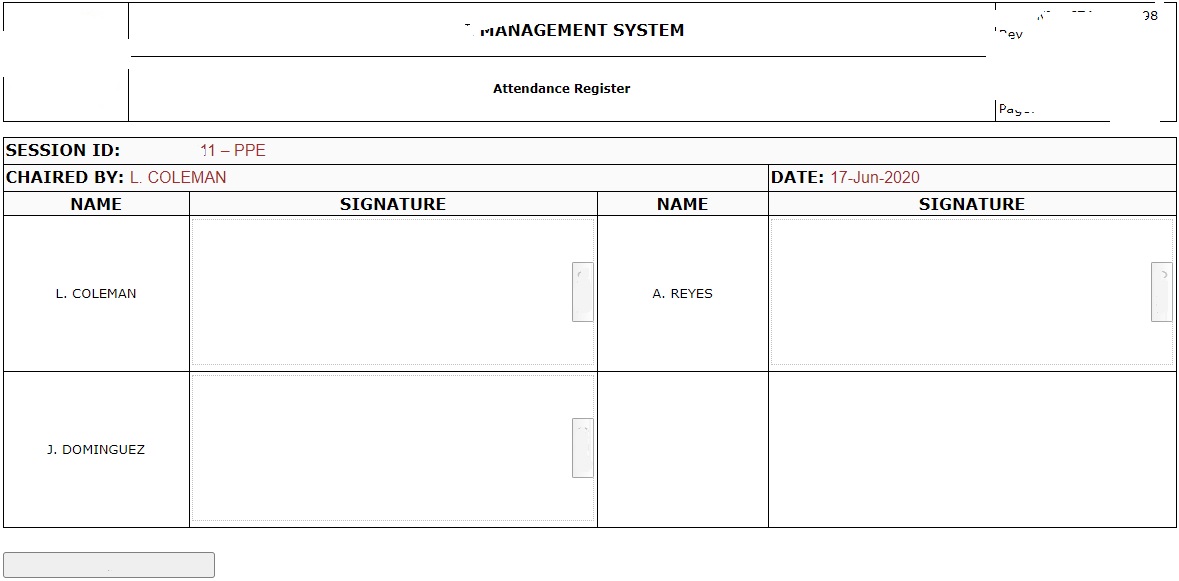
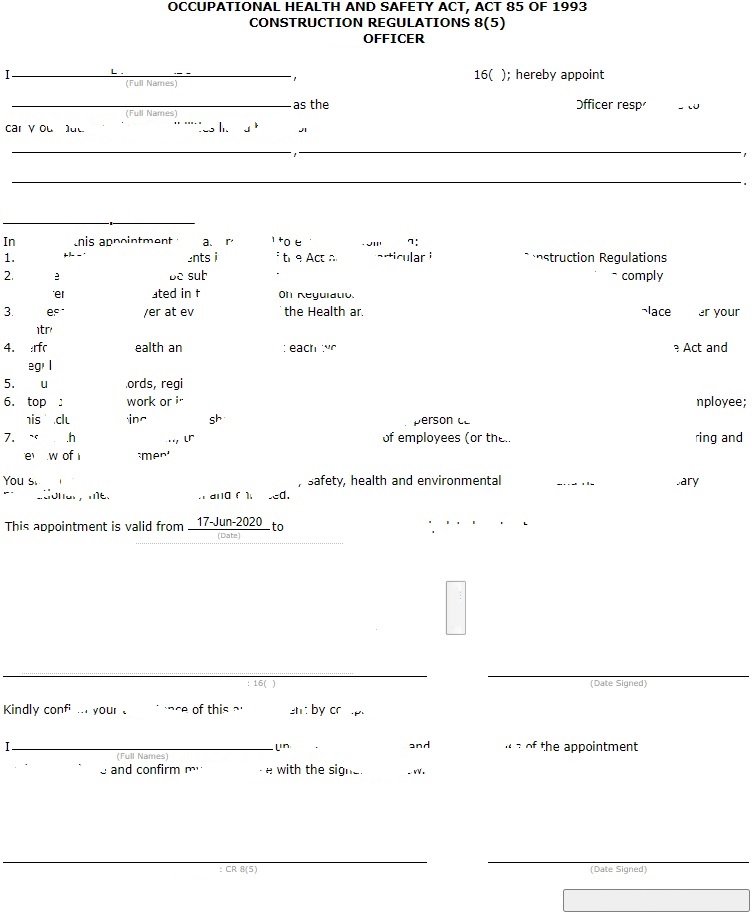
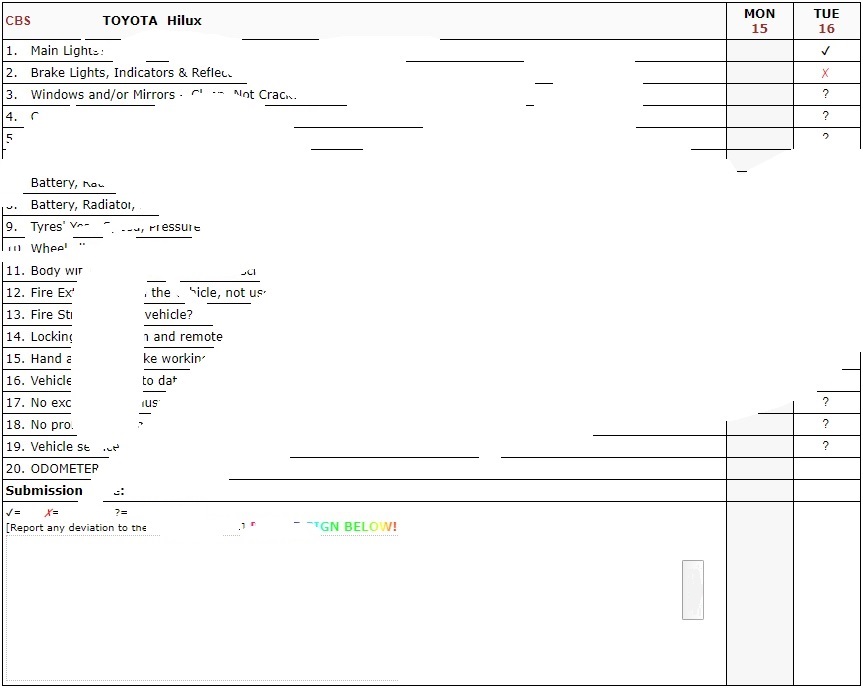
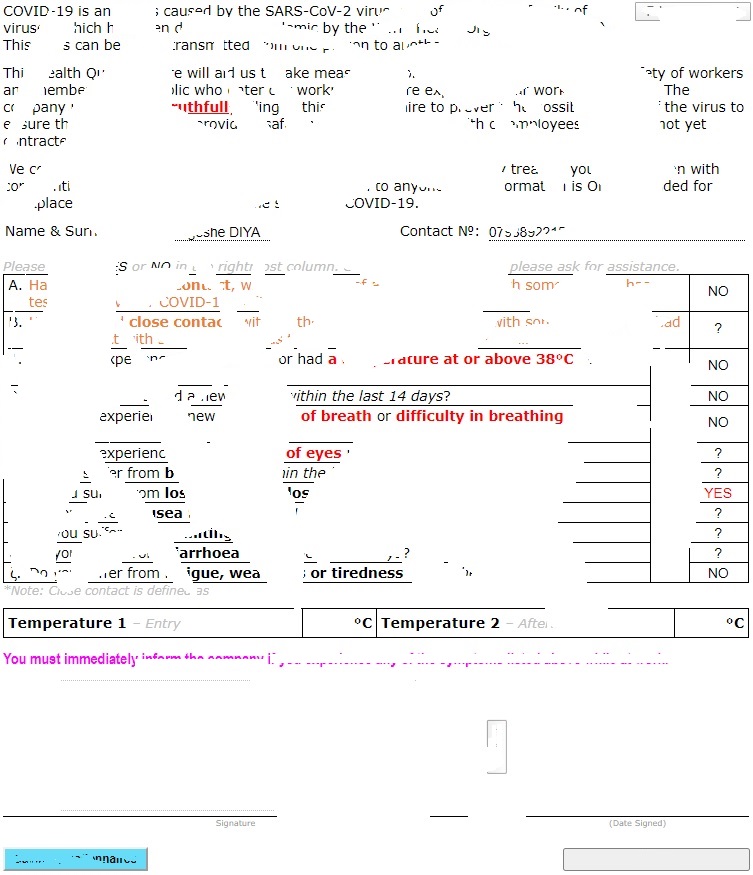
This is the general incident management.
All equipment must be registered before being used in the management system, e.g. in an Inspection Registers.
The management system allows and encourages pictures to be used, as seen in the image below: 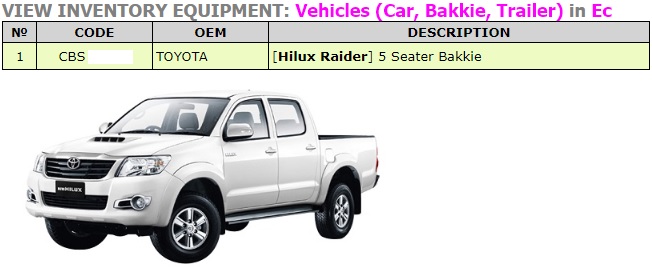
Storepersons are the most likely users of the inventory "Tool Issue" feature for accountability and responsibility. Almost all companies have suffered from theft by company personnel and the management software is designed to avert such losses.
The library section is for storing drawings, schematics, and pictures for personnel to be reminded of what to do and how to do a task. This ensures a good quality and leaves no one with excuses.
Project management constrains resources (e.g. personnel, equipment, registers, etc.) to a certain project and company for a specified period. The project completion date is adjustable.
File management contrains resources to a company over one or more projects.
The library section is the overarching section for Occupational Health and Safety Management and is not constrained to a project, file or company.
Under no circumstances will Identity Documents be stored by cromicroma, even after inserting a watermark.
Generally, information from qualifications and training is used and not the documents themselves,even the scanned coppy. Documents will be stored by cromicroma under very special conditions (e.g. inserting a watermark).
This section has quizzes of different categories to emphasize important topics and retrain personnel. These quizzes are a tool to gauge knowledge and the lack of it.
These quizzes are an integral part of informal and internal training along with toolbox talks.
The outcomes of these quizzes become a yardstick even though they are NOT a formal qualification.
This is the general incident management.
This is the general incident management.
This offers a single click option to your most visited activities of the management system. You can think of it as a "favourites" section.
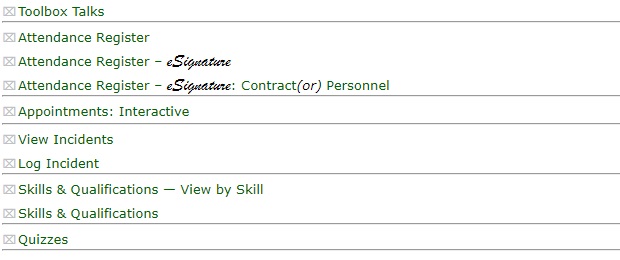
Quick Access can be accessible from the DASHBOARD (landing screen after successful login), the MAIN and SUB menus.
Quick Access links can be configured by the company administrator by:
- what appears,
- the grouping, and
- the order of appearance (group and within a group).
There are general access rights and administrator rights which can be purchased by a company or an individual. The administrator rights can are best used by a company administrator to manage general access rights of company personnel. A company can give administrator rights to one person or more to assist when the main company administrator is not available.
All administrator actions are logged to trace and assign responsibility to any actions.
There are two additions to the management system, viz. Users and Menu Bar item, depending on the company and individual administrator rights.
- Add User
- Add MENU Bar Item
Every user's access rights are primarily managed by either locking the user out or terminating/suspending his or her employment status.
- Lock
 /
/
The are some actions that invoke automatic logout, e.g.- Login attempts in excess of the prescribed number of attempts
- Unauthorised access
- Employment
It is very critical that administrator rights are given to accountable and responsible people because any changes done in this section can disrupt productivity if an error is made. This is the main reason for administrator logs for tracking who did which changes for accountability.
- User Information
E.g. cellphone number(s), email addres(es). - Authorisation
Some authorisation might be to:- Add User
- Add Inventory
- Add Maintenance Records
- Update Qualifications
- Authorisation – MENU Bar
The menu bar authorisation rights are first companywide as purchased from CROMIROMA CC and then controlled within the company by a company administrator, because not all personnel have to access inventory. - MENU Bar
Menu bar item names and order of appearance. - User System Variables
e.g. Auto Logout minutes - Company Variables
Temporarily Override Training Expiry - when training is underway and there is reasonable expectation that a person will attain competence at the end of the training.
- User System Information
Lock status, Employment status, remaining Membership period (in days). - User Contact Information
Cellphone number(s), email address(es), or similar.
Quizzes are meant to incease personnel knowledge and act as an internal training tool to complement toolbox talks.
- Toggle Quiz
Allow a user to answer quizzes. - True/False
View all user True/False Quizzes under your administration. - Multiple Choice
View all user Multiple Choice Quizzes under your administration. - Allocate TF
Allocate a True/False Quiz to a user under your administration. - Allocate TF [GROUP¹]
Allocate a True/False Quiz to a group under your administration. - Allocate MC
Allocate a Multiple Choice Quiz to a user under your administration. - Allocate MC [GROUP¹]
Allocate a Multiple Choice Quiz to a group under your administration. - Season ++
Increase the season (e.g. from 1 to 2) for an individual to redo the quizzes. - Season ++ [GROUP¹]
Increase the season for a group for personnel to redo the quizzes. - Season ––
Increase the season (e.g. from 2 to 1) for a individual to redo the quizzes. - Season –– [GROUP¹]
Increase the season for a group for personnel to redo the quizzes. Increase the season for a group for personnel to redo the quizzes. Increase the season for a group for personnel to redo the quizzes.
- A goup could be an entire company or a department. Groups have to be set before group features can be useful. An individual can be also a group, if he/she is alone in a department or sub department.
Membership can be purchased by a company (any and even SHEQ or HSSEQ). Membership is paid for monthly for accessing and using the management system.
- Membership
All administrator actions or interactions with the management system.
- Monthly DEBIT ORDER
- Bulk purchase of at least 3 months
- Update USer Profile Picture
- Assign Tool Box Talk
The nature of personnel and their relationship with OHS is amazing, it has been established over many years that people act best and responsibly when singled out from with a group. It is envisaged that assignment of a toolbox talk will be done by a company administrator, a SHEQ manager, a Safety Officer or a supervisor. - Reset User Counters
Viz. Login Attempts. - Close Records of deceased
This blocks the management system from interacting or allowing interaction with a deceased person. This is vital because it would not be wise to delete records of a deceased person, especially within five years of his/her day of passing on.
Administrator action logs can help identify a need for retraining or emphasis should certain individuals or groups repeat certain errors that disrupt productivity.
- Administrator Actions
All administrator actions or interactions with the management system.